CRM for car and two-wheeler dealers in India
Short answer: a dealership CRM should log every walk-in, call and online enquiry, book and follow up test drives, track exchange vehicles and finance, link each booking to a vehicle in stock, plan deliveries and trigger service reminders afterwards. For Indian dealers, add WhatsApp follow-ups, GST quotations and a view across showrooms.
Disclosure: this guide is published by LeadSetu, which makes a CRM with a car and two-wheeler dealership template. Where we describe how LeadSetu handles a job, we say so, including what it does not do. We name no other vendor here; for side-by-side comparisons see our compare page.
Contents
- Where dealerships lose buyers
- The dealership sales journey in a CRM
- What to track at each stage
- How to set up a CRM for a dealership
- After the sale: delivery, service and loyalty
- What LeadSetu does and does not do for dealers
- Frequently asked questions
Where dealerships lose buyers
Many Indian dealerships use a dealer management system from their manufacturer for billing, parts and warranty. The gap is usually the sales floor and the follow-up, where enquiries are still tracked in registers, spreadsheets and the sales consultants' phones. That is where buyers slip away:
- Walk-ins are not recorded. A family visits on Sunday, takes a brochure and leaves. Nobody writes down their number, so nobody calls on Monday.
- Test drives are not followed up. A test drive is the strongest sign of intent, yet many buyers never hear back the same day.
- Exchange and finance stall the deal. The buyer waits for an exchange valuation or loan approval, and the consultant forgets to chase it.
- Consultants leave with their contacts. When a consultant moves on, an enquiry list kept on a personal phone goes with them.
- Service customers are not reminded. After delivery, the relationship moves to the workshop, and reminders depend on whoever looks at the list.
A CRM built around the dealership's own stages fixes these by making every enquiry a record with an owner and a next step.
The dealership sales journey in a CRM
A useful pipeline for a car or two-wheeler showroom looks like this:
| Stage | What happens | What the CRM should prompt |
|---|---|---|
| Enquiry | Walk-in, call, website or portal enquiry | Call within a set time; capture model, fuel type and timeline |
| Test drive | Drive booked and taken | Confirm the slot; follow up the same day |
| Quotation | On-road price with accessories, insurance and any exchange or offer | Send the quote by WhatsApp; chase finance documents |
| Booking | Booking amount received, vehicle allotted | Link the booking to a vehicle in stock |
| Delivery | Registration, accessories fitted, handover | Checklist, delivery date and a thank-you call |
| Lost | Bought elsewhere, postponed, budget | Record the reason for reports |
The stages are simple on purpose. The value is in what the CRM does at each one, automatically, so consultants spend their time with buyers rather than registers.
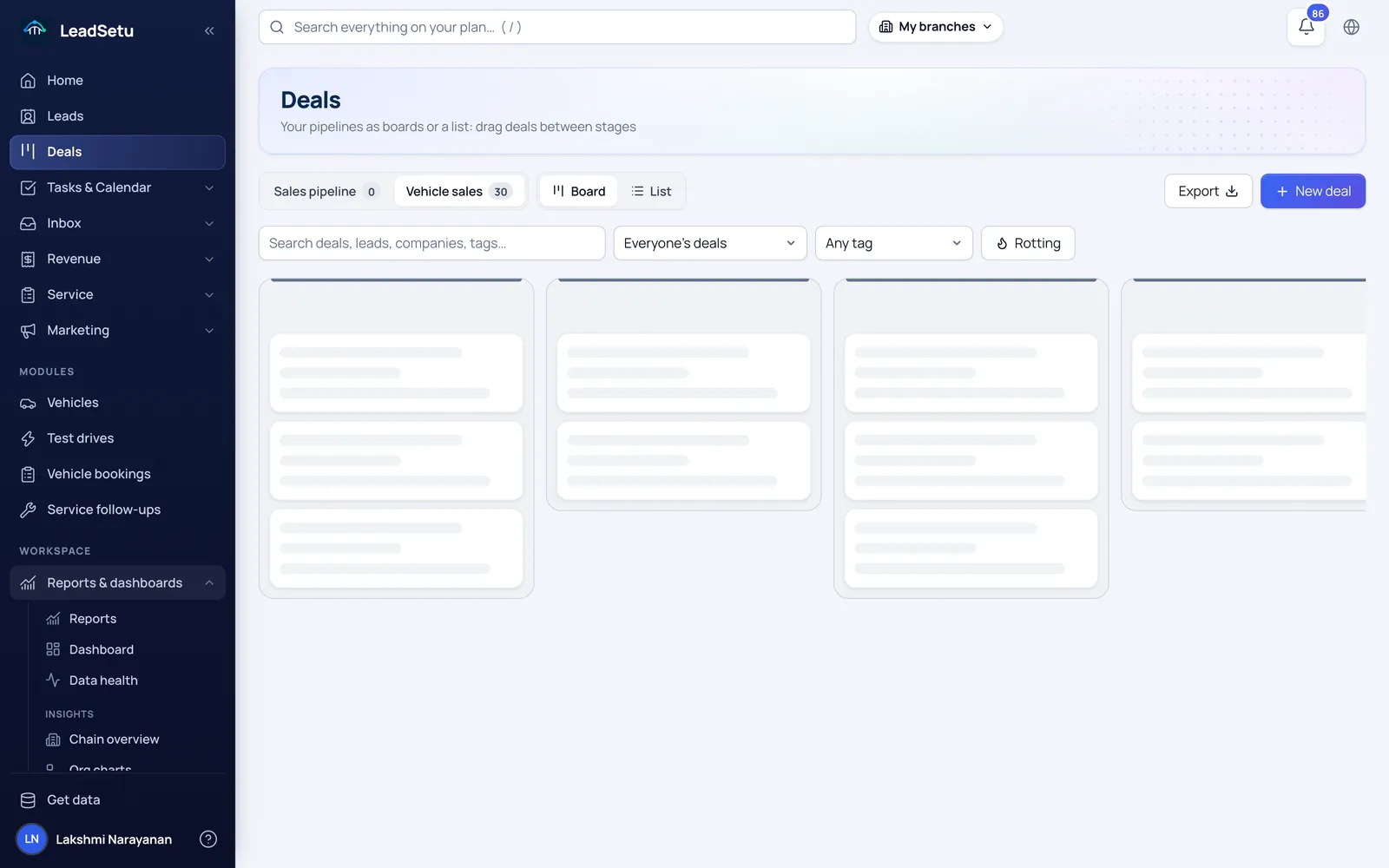
A LeadSetu deals board for vehicle sales with demo data: deals grouped by enquiry, test drive, quotation and booking, with their values.
What to track at each stage
On the enquiry
The first conversation should capture the handful of facts that decide everything else: the model and variant of interest, fuel type, the purchase timeline, whether there is a vehicle to exchange, whether finance is needed and where the buyer came from (walk-in, referral, website, event). These become fields on the enquiry, not notes in free text, so managers can filter and report on them.
On the test drive
A test drive is its own record: the vehicle, the time, the consultant and the outcome. Reminders before the slot cut no-shows, and a follow-up task the same day keeps the momentum.
On the quotation
The quotation should list the ex-showroom price, registration, insurance, accessories and any offer or exchange value. In LeadSetu, quotes carry HSN codes and GST, can be shared as a link that the buyer opens and accepts, and can request a booking amount through a payment link with a UPI QR.
On the booking and stock
A booking should point to a specific vehicle, with its stock number, model, colour and status, so the same vehicle is not promised to two buyers.
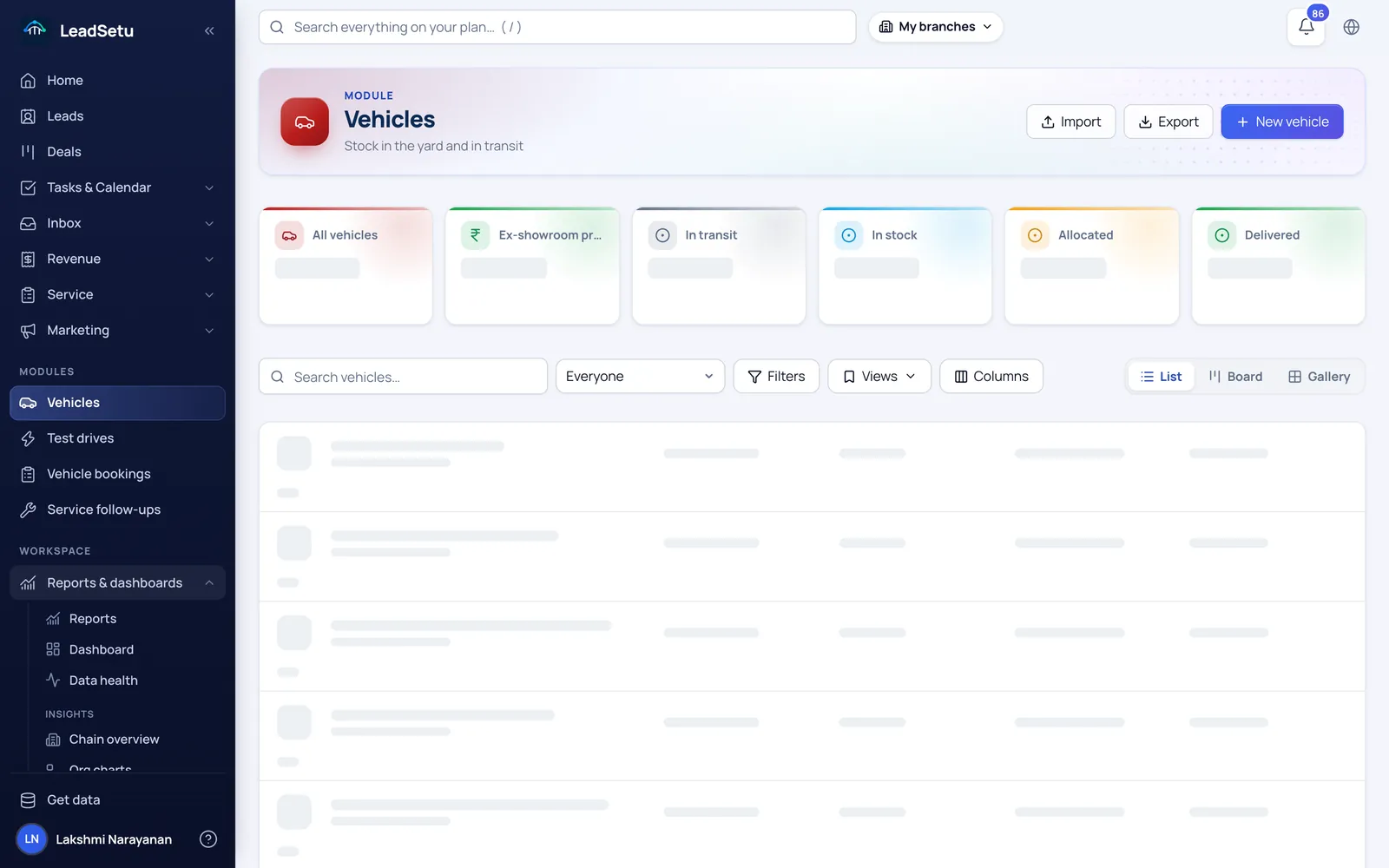
The Vehicles list in LeadSetu, a custom module, with demo data: stock number, stage, owner, model, colour and ex-showroom price.
How to set up a CRM for a dealership
These steps follow LeadSetu; most of them apply to any CRM you configure yourself.
- Install the car and two-wheeler dealership template, or create the pipeline stages listed above by hand.
- Check the enquiry fields: interested model, fuel type, purchase timeline, vehicle to exchange, finance needed and walk-in source. Add any your brand needs, such as a colour preference.
- Load your stock into the Vehicles module, with stock number, model, variant, colour and price, and keep it updated as vehicles arrive and are delivered.
- Set a first-call target for new prospects; the template's workflow asks for a call within 30 minutes.
- Connect your channels: WhatsApp click-to-chat or your own WhatsApp Business number, calling through your telephony provider, your website form, and forwarded portal lead emails.
- If you run more than one showroom, set up branches, give each consultant a home branch and route enquiries by city or PIN code.
- Turn on the delivery and service workflows, and review the reports with the sales manager every week.
In LeadSetu, the template adds a vehicle sales pipeline with the stages enquiry, test drive, quotation, booking, delivery and lost; the fields above; modules for vehicles, test drives, vehicle bookings and service follow-ups; and workflows including "Call a new prospect within 30 minutes", "Follow up after a test drive", "Prepare delivery when ready", "Service reminder 7 days ahead" and "Thank you call after delivery". You can change any of it, and the install can be undone. See the dealership CRM template.
After the sale: delivery, service and loyalty
A dealership earns over years, not on one sale. The CRM should keep working after the keys are handed over:
- Delivery. A checklist and a date, so registration, accessories and documents are ready, and a thank-you call after handover.
- Service reminders. A reminder a week before a service is due, sent as a WhatsApp template or a call task, keeps the workshop busy and the customer with you.
- Festival and birthday greetings. LeadSetu's occasions feature sends greetings with your own card and offer on WhatsApp, email or SMS, in the dealership's name, and reports who read, replied and bought. A festival offer to past buyers is a natural moment for an upgrade conversation.
- Referrals. Record the referring customer as the source of a new enquiry so you can thank them and see which customers bring others.
What LeadSetu does and does not do for dealers
What it does, from our product documentation: the dealership template described above; WhatsApp click-to-chat on every plan and your own WhatsApp Business number for templates, two-way chat and broadcasts to opted-in contacts; one-click calls with logging, and automatic call logs and recordings through your own Exotel, Knowlarity or Twilio account; GST quotations and invoices with UPI payment links; branches with routing by city or PIN code and targets per showroom; a phone layout you install from the browser with Today's follow-ups, one-tap call and WhatsApp, and visit logging; and partial offline mode for consultants at events or in low-signal areas.
What it does not do: it is not a dealer management system. LeadSetu has no parts, workshop job-card or warranty module, and no stock or warehouse module yet, so branch-wise stock transfers are not available; vehicles are tracked as records in a custom module. There is no app-store app. Your manufacturer's systems remain the source for billing on their side; ask us about exports if you need the CRM data elsewhere.
To try the dealership set-up with sample leads, deals and quotes, start the 24-hour CRM trial. The industry CRM templates page lists all the set-ups, and CRM software for Indian businesses covers GST, languages and branches. If WhatsApp is your main channel, read WhatsApp CRM for small business; for quotations and invoices, see GST invoice software with a CRM.
Frequently asked questions
Do I need a CRM if my manufacturer already gives me a DMS?
Often, yes. A DMS usually focuses on billing, parts, warranty and reporting to the manufacturer. A CRM focuses on enquiries, test drives, follow-ups and the customer relationship. Check what your DMS covers and use the CRM for the gaps.
Can a CRM work for both cars and two-wheelers?
Yes. The stages are the same; two-wheeler showrooms usually have more walk-ins and shorter cycles, so fast first calls and WhatsApp follow-ups matter more. LeadSetu's dealership template covers both.
How do I track walk-ins that do not leave a number?
You cannot follow up without a contact, so make capturing a mobile number part of the greeting process, and log the walk-in source on the enquiry. A short web form on a tablet at the reception desk can help; LeadSetu's web forms create leads directly.
Can I see enquiries and bookings for each showroom separately?
In LeadSetu, yes: with branches, every enquiry and booking belongs to a showroom, managers see their own branch, and the owner sees all of them with revenue and targets per branch.
Can buyers pay the booking amount online?
LeadSetu can send a payment link with a UPI QR against a quote, asking for the full amount or a percentage as an advance. Card and netbanking payments need your own payment gateway keys.
Related reading
- All CRM guides
- LeadSetu CRM and WhatsApp and calling in your CRM
- CRM for real estate in India
CRM guide Automotive Car dealers Two-wheeler India