
GST invoice software with a CRM: what to check in 2026
Short answer: GST invoice software with a built-in CRM lets a quote become a sales order and then a tax invoice without retyping line items, GSTINs or the place of supply. Check that it splits CGST, SGST and IGST correctly, carries HSN or SAC codes, prepares e-invoice and e-way bill data, takes UPI payments and exports to your accountant.
Disclosure: this guide is published by LeadSetu, which makes a CRM with GST invoicing. Where we describe how LeadSetu does something, we say so, including its limits. We name no other vendor here; for side-by-side comparisons see our compare page. This guide is not tax advice: confirm return and e-invoicing obligations with your CA.
Contents
- Why sales and billing drift apart
- What GST invoicing inside a CRM should cover
- Separate billing tool versus invoicing in the CRM
- How to go from quote to GST invoice in a CRM
- E-invoice, IRN and e-way bills
- Getting paid and keeping your accountant happy
- What LeadSetu does and does not do
- Frequently asked questions
Why sales and billing drift apart
In many Indian SMEs the salesperson sends a quotation from a Word template or a spreadsheet, the customer agrees on WhatsApp, and someone in accounts types the same items into billing software. Every handover is a chance for a mistake:
- Wrong tax type. A customer in another state is billed CGST and SGST instead of IGST because the place of supply was not checked.
- Missing or wrong GSTIN. The buyer's GSTIN is in the salesperson's chat, not on the invoice, and the buyer cannot claim input credit until it is corrected.
- Price drift. The discount agreed in the quote does not reach the invoice, and the customer disputes it.
- No link between invoice and deal. Sales cannot see whether the customer has paid, so they chase the wrong people or offer more credit to a customer who is overdue.
Joining quotes, orders and invoices in one system removes the retyping. It also lets the sales team see payments, and lets the owner see revenue by salesperson, branch or product from one place.
What GST invoicing inside a CRM should cover
Use this as a checklist when you evaluate any product, including ours.
Tax calculation
- CGST plus SGST when the supply is within your state, IGST when it is to another state, decided from the place of supply.
- HSN or SAC code and GST rate per line, with discounts applied before tax.
- Tax-exclusive and tax-inclusive prices, rounding to the rupee and the amount in words in lakh and crore.
- Return-only details when you need them: reverse charge, SEZ or export supply type, cess.
Documents
- Quotation, sales order, tax invoice, credit note and debit note, linked to each other.
- Advance or retainer invoices for money taken before the work, applied to the tax invoice later.
- Delivery challans for goods that move without a tax invoice, such as job work or goods on approval.
- Number series per financial year (April to March), and per GSTIN if you have branches in more than one state.
- Your own layouts for quotation, invoice and challan PDFs.
Compliance data
- E-invoice data in the government's schema for businesses that must e-invoice, with a check for what is missing (GSTINs, HSN codes, PIN codes).
- E-way bill data from the challan or invoice, with transport details.
- GST working reports, for example GSTR-1 sections, an HSN summary and a GSTR-3B view, to hand to your CA.
Money
- Payment links with a UPI QR, partial payments, TDS deducted by the customer and bank charges.
- Automatic reminders before and after the due date, and an ageing view of what is outstanding.
Separate billing tool versus invoicing in the CRM
| Question | Separate billing tool plus CRM | GST invoicing inside the CRM |
|---|---|---|
| Line items from the quote | Typed again or synced | Carried from quote to order to invoice |
| Buyer GSTIN and place of supply | Kept in two places | Kept once on the customer |
| Sales sees payment status | Only if the tools are integrated | On the deal and the customer |
| Revenue by salesperson or branch | Needs an export and a spreadsheet | A report |
| Full accounting (ledgers, balance sheet) | Usually stronger in a dedicated accounting tool | Varies; check what is included |
| Your CA's workflow | Unchanged | Needs an export or sync to the CA's software |
There is no single right answer. If your accountant runs the books in dedicated accounting software and is happy, keep it, and choose a CRM that raises GST invoices and exports or syncs them. If you are a small team where the owner does the billing, invoicing in the CRM can be enough.
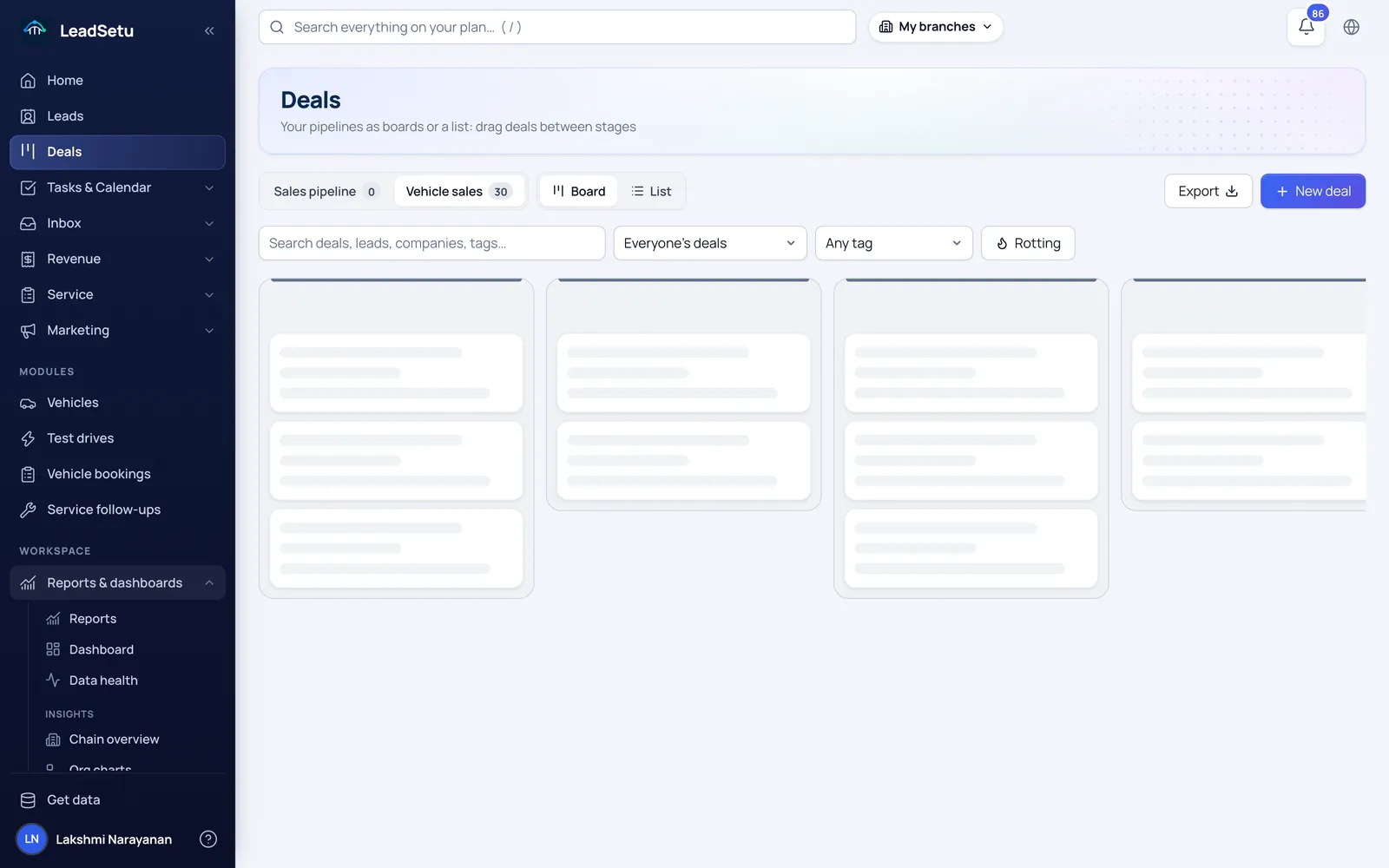
A LeadSetu deals board with demo data. A quotation raised from a deal carries its line items into the order and the GST invoice.
How to go from quote to GST invoice in a CRM
These steps use LeadSetu's screens; the flow is similar in most CRMs with invoicing.
- Set your company name, state and GSTIN once in CRM settings, under Quotes & GST, so the CRM can decide between CGST plus SGST and IGST.
- Set your invoice prefix, numbering and payment window under Billing, and the number series per financial year under Flows & numbering.
- Create a quote from the deal. Check the customer's GSTIN, billing address and place of supply, and add items with HSN or SAC codes, quantity, price, discount and GST rate.
- Share the quote by email or WhatsApp. The customer opens a link, downloads the PDF and accepts with their name and signature, or declines.
- Convert the accepted quote to a sales order, and the order to an invoice. Issue the invoice to give it its number from your series.
- Send it with Share with customer, by email or WhatsApp, and add a payment link with a UPI QR.
- Record payments as they arrive, with the mode, date, UTR or cheque number, and any TDS deducted or bank charges.
- Raise a credit note from the invoice page if goods come back or the price changes downwards.
E-invoice, IRN and e-way bills
Businesses above the e-invoicing turnover threshold must report B2B invoices to the Invoice Registration Portal and print the IRN and signed QR on the invoice. Ask any CRM vendor exactly which part they do:
- Prepare the data. The CRM produces the e-invoice JSON in the government's schema and checks it for missing fields.
- Generate the IRN live. The CRM sends the data to the portal through a GST Suvidha Provider (GSP) and receives the IRN and QR back automatically.
- Record it by hand. You upload the JSON on the portal yourself and type the IRN and acknowledgement number back into the CRM.
LeadSetu prepares the e-invoice JSON for one invoice or for all B2B invoices of a period, and lists what to fix first. Generating the IRN and signed QR live, or the e-way bill on the portal, needs your own GSP or e-invoice API subscription. Until that is connected, you download the JSON, upload it on the portal and record the IRN or e-way bill number on the invoice or challan. E-way bill JSON comes from a delivery challan with transport details such as vehicle and distance.
Getting paid and keeping your accountant happy
An invoice is only finished when it is paid and in the books. Look for:
- UPI without a gateway. LeadSetu draws the UPI QR itself from your UPI ID, so it works even with no payment gateway. For card and netbanking payments, you connect your own Razorpay or Stripe keys; money goes straight to your account.
- Payment claims. Customers who pay by UPI can report the UTR on the pay page, and you confirm it.
- Dunning. Overdue reminder levels that each send their own message a set number of days past due, with an optional late fee raised as a debit note.
- Receipts across invoices. One amount received, spread over several invoices oldest first, with any excess kept as customer credit.
- An export for the CA. LeadSetu's Tally export writes invoices, receipts and credit notes in Tally's XML import format with party ledgers, and a two-way Tally sync is available through a small Windows connector.
- Working reports. Under Reports > GST: GSTR-1 sections, by rate, HSN or SAC, place of supply, inter versus intra state, GSTR-3B, by month and checks. These are working reports from your CRM invoices, not filed returns; reconcile them with your books before filing.
What LeadSetu does and does not do
From our product documentation, LeadSetu does: GST quotes, orders and tax invoices with CGST and SGST or IGST; credit notes, debit notes, retainers, progress invoices and delivery challans; e-invoice JSON and e-way bill JSON; recurring invoices and instalment schedules; invoices in another currency with an exchange rate; a GSTIN, address and number prefix per branch; GST working reports; UPI payment links; and Tally export and sync. See the GST invoicing page for a summary.
What it does not do: it does not file returns, it does not generate the IRN live without your own GSP subscription, and it does not hold money. Moving an issued invoice to another branch does not change the GST seller it was issued as.
To try quotes and GST invoices with sample data, start the 24-hour CRM trial, or read more about LeadSetu CRM and CRM software for Indian businesses. For the full buyer's checklist, see how to choose CRM software in India; for a WhatsApp angle on sending invoices, see WhatsApp CRM for small business.
Frequently asked questions
Can a CRM replace my GST billing software?
For many small teams that only need quotes, invoices, payments and an export for the accountant, yes. If your accountant keeps full books, inventory and payroll in dedicated software, keep that and choose a CRM that exports or syncs invoices to it.
Does the CRM decide between IGST and CGST plus SGST automatically?
It should, from your state and the place of supply. In LeadSetu you set your state once; quotes and invoices then split the tax into CGST plus SGST for the same state and IGST for another state.
Can a CRM generate the IRN for e-invoicing?
Only if it is connected to the portal through a GSP. LeadSetu prepares the e-invoice JSON and checks it; live IRN generation needs your own GSP subscription, otherwise you upload the JSON on the portal and record the IRN.
Are the GST reports in a CRM ready to file?
Treat them as working reports. They summarise the invoices in the CRM; your CA should reconcile them with your books and purchase data before filing GSTR-1 or GSTR-3B.
Can I bill from two GSTINs in one CRM?
In LeadSetu, yes: each branch can carry its own GSTIN, state, address, bank details and number prefix, and documents are issued as that branch's seller entity.
Related reading
- All CRM guides
- LeadSetu CRM and industry CRM templates
- CRM with GST invoicing and e-invoicing
CRM guide GST Invoicing E-invoice India