
CRM for CA firms and tax practices in India
Short answer: a CA firm uses a CRM less for chasing new leads and more for running client work: one record per client with its engagements, due dates for returns and audits, documents still pending, retainer and fee invoices, and a log of every call and WhatsApp message. Pick a CRM you can shape around engagements, not only sales.
Disclosure: this guide is published by LeadSetu, which makes a CRM. Where we describe how LeadSetu handles a job, we say so, including what it does not do. LeadSetu has no ready template for CA firms; this guide shows how to build one from general parts. We name no other vendor here; for comparisons see our compare page.
Contents
- Why a CA firm needs a CRM at all
- What to track: clients, engagements and due dates
- Practice software, spreadsheet or CRM
- How to set up a CRM for a CA practice
- Fees, retainers and collections
- Client data, confidentiality and access
- What LeadSetu can and cannot do for a practice
- Frequently asked questions
Why a CA firm needs a CRM at all
Most practices already have tools: accounting software, the government portals, a file server and a spreadsheet of due dates. What usually breaks is the layer between them. A partner promises a client a quick reply on a notice, an article assistant asks the client for bank statements on WhatsApp, the client sends them to a different person, and nobody can say on a given day which clients are still missing documents for the next deadline.
A CRM fixes that layer. It is the shared answer to four questions:
- Who are our clients, who is the contact at each, and who in the firm owns the relationship?
- What work are we doing for each client this year, and what is its status?
- What is due next, and what are we waiting for from the client?
- What have we billed, what has been paid, and what is overdue?
New business still matters, but it is different from sales elsewhere. Chartered accountants in India work under their institute's code of ethics, which restricts advertising and solicitation. Use the CRM to respond well to enquiries and referrals and to serve existing clients, and check the current guidance before running any outreach.
What to track: clients, engagements and due dates
Think in three layers.
Clients. The business or person, with PAN and GSTIN where relevant, the contact people, the partner in charge and how the client came to you (referral, existing client's group company, walk-in).
Engagements. Each piece of work you do: GST returns, income tax filing, tax audit, statutory audit, TDS returns, ROC filings, bookkeeping, advisory. An engagement has a type, a financial year, an owner, a status and a fee.
Due dates and pending items. Each engagement has dates that matter and documents you are waiting for. This is where reminders earn their keep.
| Layer | Example fields | Who uses it |
|---|---|---|
| Client | Legal name, PAN, GSTIN, constitution, partner in charge, referral source | Partners, front office |
| Engagement | Type, financial year, status, fee, owner, start and due date | Managers, article assistants |
| Pending item | Document name, requested on, received on, reminder count | Whoever follows up |
| Fee document | Retainer, tax invoice, receipt, balance | Accounts |
Practice software, spreadsheet or CRM
| Need | Spreadsheet of due dates | Dedicated practice software | General CRM set up for a practice |
|---|---|---|---|
| Client list with contacts | Yes, often outdated | Yes | Yes |
| Engagements with status | One tab for each year | Usually built in | A custom module you design |
| Reminders before due dates | Manual | Often built in | Workflows on any date field |
| Document chasing on WhatsApp | Personal phones | Depends on the product | Logged on the client record |
| Fee invoices with GST | Separate tool | Depends on the product | Built in |
| Enquiries and referrals | Not tracked | Sometimes | A pipeline with sources |
Dedicated practice software can fit well if it matches how you work. A general CRM is more flexible and covers enquiries, communication and billing in one place, at the cost of some set-up. Ask each vendor to show your actual engagement types before you decide.
How to set up a CRM for a CA practice
The steps below use LeadSetu's building blocks. Most CRMs with custom modules can follow the same plan.
- Start from a general B2B set-up for enquiries. In LeadSetu, the B2B sales template installs a pipeline (qualified, discovery, demo, proposal, negotiation, won, lost) that you can rename to suit a practice, such as enquiry, meeting, proposal sent, engagement letter, won and lost.
- Add client fields: PAN, GSTIN, constitution (proprietorship, partnership, LLP, company, trust), partner in charge and referral source. Encrypt PAN if you like (see below).
- Create an Engagements custom module with fields for type, financial year, status, fee, owner and due date, and a lookup to the client. Give it its own stages, for example not started, waiting for client, in progress, review, filed or issued, and billed.
- Create a Pending documents list on each engagement, or a simple custom module with document name, requested on and received on.
- Add date-based workflows: a reminder to the owner a set number of days before each due date, a WhatsApp or email to the client when documents are still pending, and a task for the manager when an engagement sits in "waiting for client" too long.
- Set roles so article assistants see the engagements assigned to them, managers see their team's and partners see everything.
- Set up fee documents: an engagement letter as a document template, retainer invoices for advances and recurring invoices for monthly bookkeeping clients.
- Import your existing client list from Excel, with a duplicate check on name, email and phone.
Custom modules in LeadSetu take any field type (text, dates, picklists, currency, lookups, files), optional stages with a board view, record pages with notes, calls and attachments, workflows, reports and role permissions, and need no coding. Once your set-up works, you can export it as one set-up file and install it again in a sister firm or branch office.
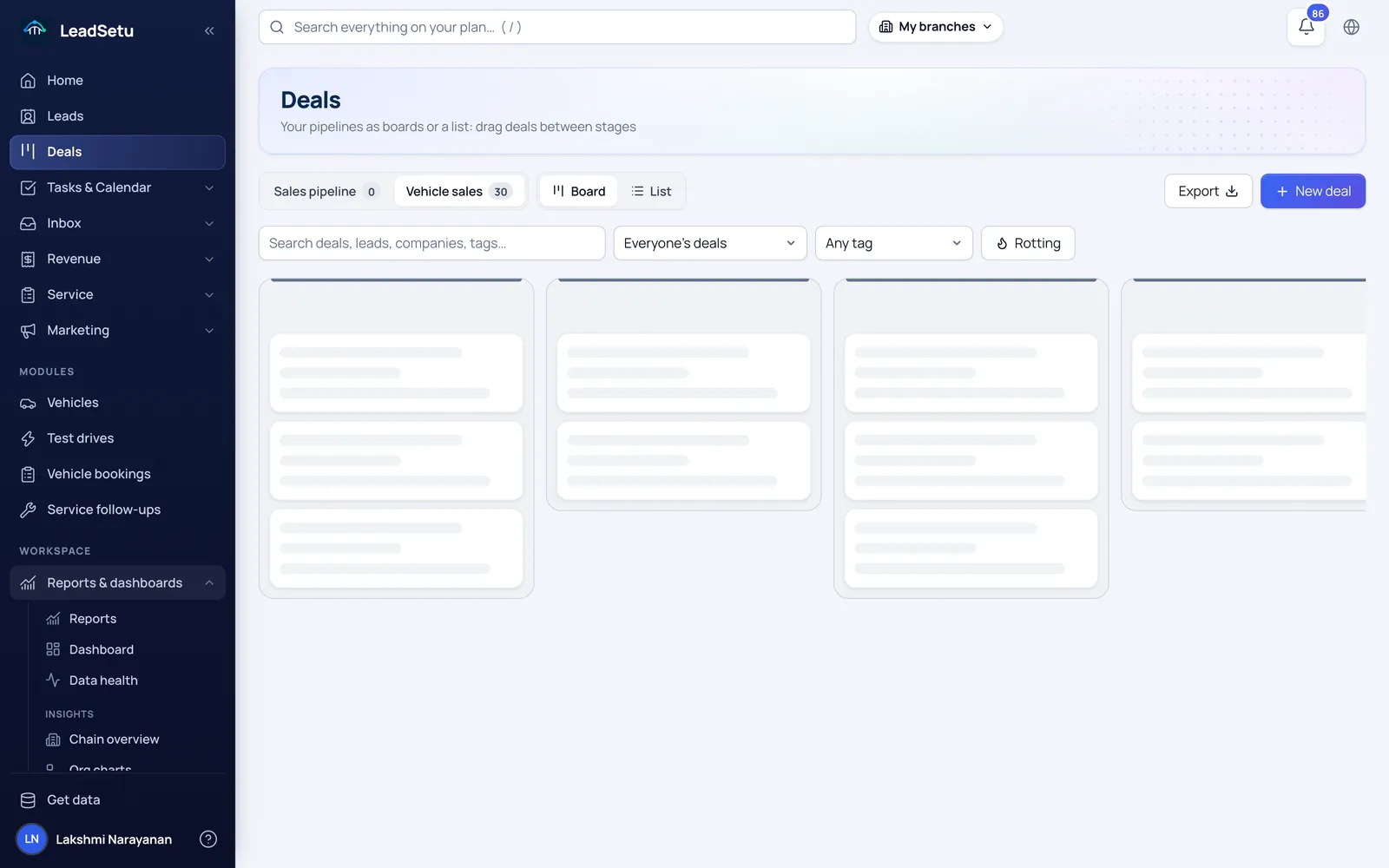
A LeadSetu board view with demo data from a vehicle dealer. An engagements module with its own stages gets the same kind of board, one column per status.
Fees, retainers and collections
Billing in a practice has its own rhythm: advances for audits, monthly fees for bookkeeping, one-off fees for notices and certificates, and TDS deducted by corporate clients. In LeadSetu, all of these are part of the CRM:
- Retainer (advance) invoices with a pay link; the unused balance is applied to the tax invoice later.
- Recurring invoices for monthly or quarterly retainership clients.
- GST tax invoices with SAC codes and CGST and SGST or IGST, as a PDF or a share link.
- Receipts spread over several invoices, with TDS deducted recorded by section and the certificate marked received.
- Dunning: polite reminder levels before and after the due date.
- Statement of account per client, on screen, as a PDF or by email.
If your own books are in Tally, the CRM can export invoices, receipts and credit notes as Tally XML, or keep them in step both ways with a small connector on the Tally PC. Read our Tally CRM integration guide and GST invoicing in the CRM.
Client data, confidentiality and access
A practice holds sensitive client information, so look at access controls before features. Questions to ask any vendor, and LeadSetu's answer from its documentation:
- Who sees what? Roles and a role hierarchy, so staff see records below them, plus permission sets for exceptions.
- Can sensitive fields be hidden? Chosen fields, such as PAN or phone, can be encrypted at rest, with a choice of which roles see the plain value.
- Is there a trail? An audit log of field changes (who changed what, old and new value) and a recycle bin for deleted records.
- Can we sign in safely? Two-step verification for the whole team and allowed IP ranges.
- Can clients see their own status? A private portal link, with no login, shows a client their quotes, invoices, balance and support cases. Clients cannot change your records.
For privacy duties under India's DPDP Act, see the privacy tools in the CRM and the LeadSetu Trust Center.
What LeadSetu can and cannot do for a practice
What it can do: the client, engagement and billing layer described above; WhatsApp click-to-chat on any plan, or your own WhatsApp Business number for templates; call logging; tasks and reminders; a help desk for client queries; and reports such as engagements by status or fees billed by partner.
What it cannot do: it does not file returns or connect to the income tax, GST or MCA portals, it is not tax computation or audit software, and it has no ready CA-firm template, so the engagement module is yours to design (plan some time for the first version). There is no app-store mobile app; the web app installs from the browser.
For the general checklist that applies to any business, read how to choose CRM software in India. To try the building blocks yourself, the 24-hour CRM trial gives you a login with sample data and no card. More on the product is on the CRM page and industry templates.
Frequently asked questions
Is a CRM useful for a small CA practice with two partners?
Yes, if the pain is tracking work rather than finding clients. One shared record per client and engagement, with reminders before due dates, removes the "who has the bank statement?" questions. Start with engagements and due dates, and add billing once the team is used to it.
Can a CRM remind clients about GST and income tax deadlines?
A CRM can send reminders on any date you store. Keep a due date on each engagement and set a workflow that messages the client, or creates a task for your staff, a set number of days before it. You decide the dates; the CRM does not read them from government portals.
Can I keep client PAN and GSTIN securely in a CRM?
Store them in fields with restricted access. In LeadSetu, a chosen field can be encrypted at rest and shown in plain text only to the roles you pick, and every change is written to the audit log.
Does a CRM replace our accounting or tax software?
No. The CRM runs client relationships, engagements, communication and fee billing. Returns, computations and audit working papers stay in your professional software, and your firm's books can stay in Tally.
Can clients upload documents through the CRM?
Clients can raise and reply to support cases through the portal, and your staff can attach the files clients send to the client or engagement record. For large volumes of documents, many practices keep a separate secure file store and track receipt in the CRM.
Related reading
- All CRM guides
- WhatsApp CRM for small business
- Lead follow-up automation
CRM guide CA firms Accounting practices India